

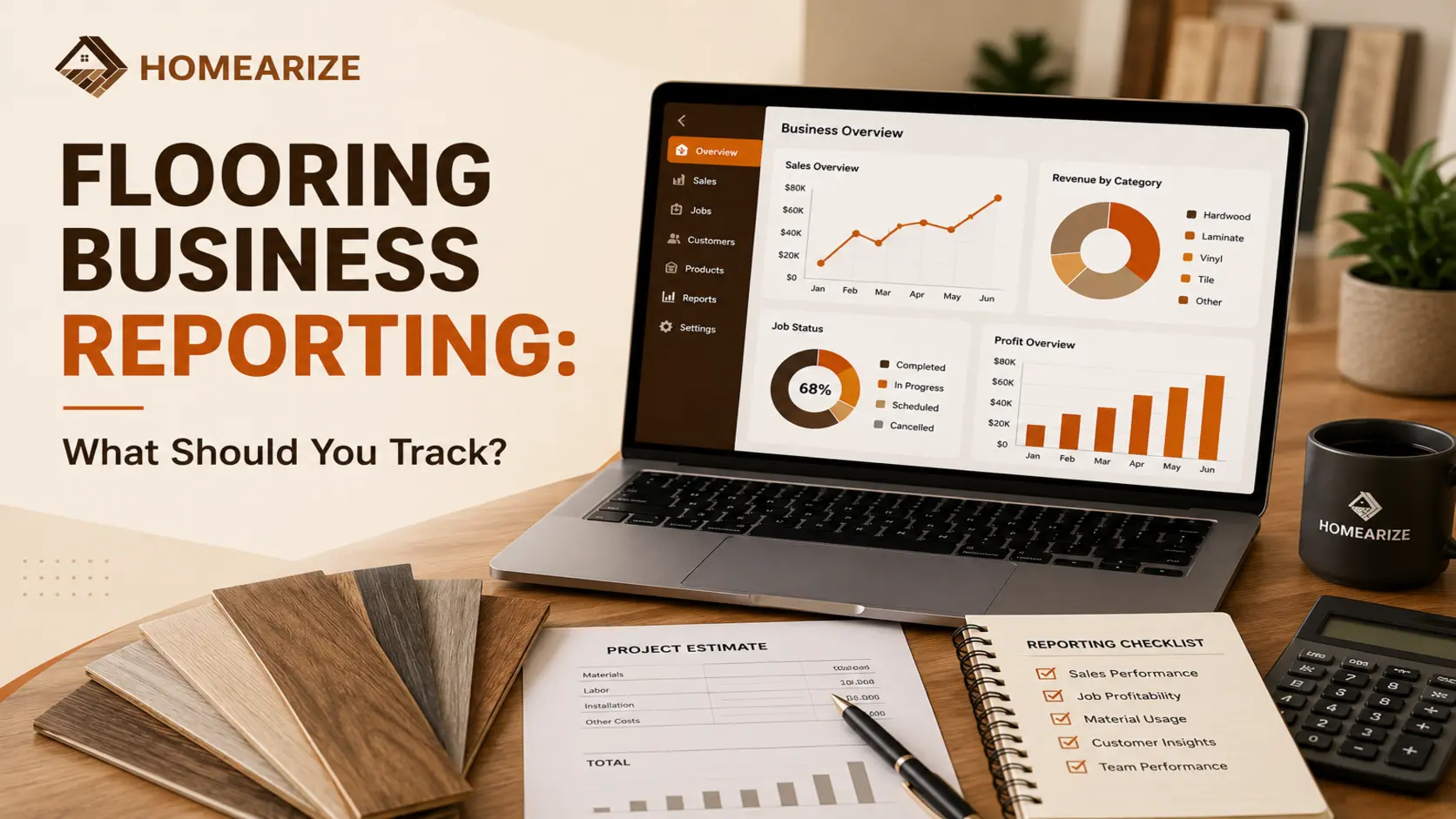
Flooring Business Reporting: What Should You Track?
Why Flooring Business Reporting Matters
8 Reports Every Flooring Business Should Track
1. Sales Performance
Why it matters: It shows whether the business is growing, flat, or shrinking before the bank balance tells you.
Decision it supports: Adjusting marketing spend, staffing, or seasonal promotions.
2. Lead and Conversion
Why it matters: It reveals which lead sources are worth the investment and where follow-up is falling through.
Decision it supports: Where to spend on marketing, and whether the follow-up process needs fixing.
3. Job Performance
Why it matters: Slow or delayed jobs tie up crews and push back the next job in line.
Decision it supports: Adjusting scheduling practices or crew capacity.
4. Profitability
Why it matters: Some jobs look profitable on paper and are not once labor and material costs are accounted for.
Decision it supports: Pricing adjustments for future quotes, and identifying which job types are worth pursuing.
5. Inventory
Why it matters: Overstock ties up cash, while understock delays jobs.
Decision it supports: Purchasing timing and warehouse organization. See flooring inventory management for how this is tracked by material and location.
6. Payments and Outstanding Invoices
Why it matters: Cash flow problems are often a collections problem, not a sales problem.
Decision it supports: When to follow up on late payments, and whether payment terms need adjusting. See payment tracking and invoicing.
7. Salesperson and Commission Performance
Why it matters: It shows who is converting leads well and who might need support or coaching.
Decision it supports: Coaching priorities and commission structure. See commission tracking software.
8. Customer Performance
Why it matters: Some customer segments are more profitable and more likely to return than others.
Decision it supports: Where to focus retention and referral efforts. See the Complete Flooring CRM Guide.
How to Turn Reports Into Business Decisions
Data: Lead conversion dropped from 35 percent to 22 percent over two months.
Insight: Follow-up is happening later than it used to, or lead quality has shifted.
Action: Check average follow-up time and tighten the process, or review where recent leads are coming from.Data: Three recent jobs came in under margin.
Insight: Either material costs increased without pricing catching up, or waste factor is being underestimated.
Action: Review current material pricing and rebuild the estimate template with updated numbers.Data: Outstanding invoices are increasing month over month.
Insight: Collections process is falling behind, or payment terms are too loose.
Action: Set a standard follow-up schedule for overdue invoices, or require a deposit on larger jobs.
Manual Reporting vs. Reporting Software
What to Look for in a Flooring Reporting Tool
Easy-to-understand reports, not raw data that needs a spreadsheet to make sense of
Sales and job reporting, tied to actual quotes and job status
Customer visibility, including history and repeat business
Financial and payment reporting, including outstanding invoices
Inventory visibility across materials and locations
Exportable data, for accounting or deeper analysis outside the platform
Integrations with tools already in use, like accounting software
Easy access for authorized users, without requiring a separate login or export process
How HomeArize Helps With Flooring Business Reporting
Conclusion
- Reporting is not about tracking every number. It is about catching patterns early enough to act on them.
- A number only becomes useful once someone asks what caused it and what to do next.
- Cash flow problems usually show up first as a collections issue, not a sales issue.
FAQs
What should a flooring business track first if they are not tracking anything yet?
Start with sales performance and outstanding invoices. Those two areas typically reveal problems fastest, since they connect directly to revenue and cash flow.
How often should flooring business reports be reviewed?
Weekly for sales and job status, monthly for profitability, inventory, and customer trends. Reviewing too infrequently means problems go unnoticed longer than necessary.
What is the difference between flooring business reporting and KPIs?
Reporting is the underlying data, like sales totals or lead counts. KPIs are the specific metrics chosen to track progress toward a goal, usually a smaller set pulled from the broader reporting.
Can spreadsheets work for flooring business reporting?
For very small operations, yes, temporarily. As job volume grows, manually updating and cross-referencing spreadsheets becomes slow enough that reports are often outdated by the time anyone reviews them.
What reports matter most for a small flooring business?
Sales performance, lead conversion, and outstanding invoices tend to matter most early on, since they directly affect whether the business is bringing in and collecting revenue.
Does flooring reporting software replace the need for an accountant?
No. Reporting software shows day-to-day business activity like sales, jobs, and payments. It supports financial decisions but does not replace tax preparation, formal bookkeeping, or accounting guidance.