

Why Flooring Businesses Choose HomeArize Software
Why HomeArize Is Purpose-Built for Flooring Businesses
Who HomeArize Is Suitable For
Flooring contractors and installation businesses
typically rely on it most for scheduling, mobile quoting, and tracking job status from the field, since crews are often on-site rather than in an office.
Flooring retailers
use it to connect showroom sales with inventory and purchase orders, so what is sold in-store matches what is actually in stock or on order.
Flooring dealers
managing higher volume tend to lean on commission tracking and reporting to manage larger sales teams and multiple concurrent jobs.
Flooring showrooms
use it to keep customer-facing sales activity connected to back-office scheduling and fulfillment, so a sale made on the floor does not stall out waiting on paperwork.
How HomeArize Brings Flooring Workflows Into One Platform
A Brief Look at the Features
Customer management keeps every customer record in one place, from first inquiry to completed installation. Sales staff can see quote history, communication notes, and job status without digging through email threads or asking a coworker. That visibility makes follow-up faster and keeps leads from falling through the cracks as the business grows.
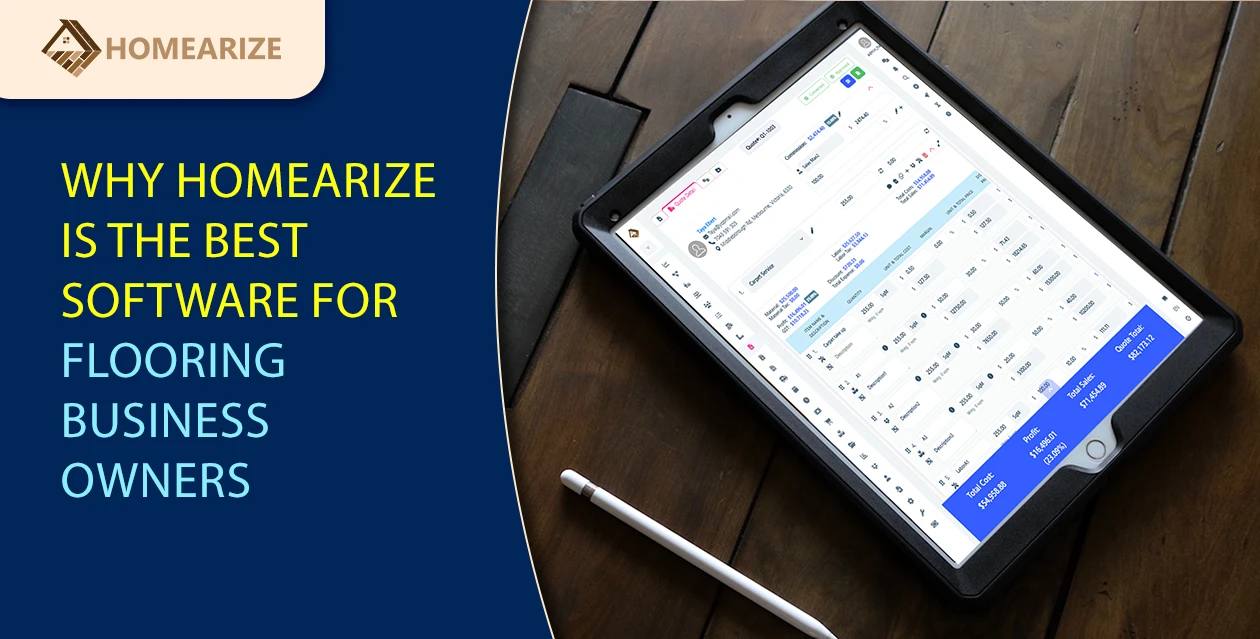
Fast quotes and instant invoices build pricing from a consistent process instead of recalculating everything by hand for every job. Once a quote is approved, it converts directly into an invoice without re-entering the numbers. That speed matters most in the sales conversation, where a same-day quote often wins the job over a slower competitor.
Contractor scheduling gives office staff a single calendar view across every crew and every job, so double-bookings and scheduling gaps show up before they become a problem on-site. Installers see their assignments without a phone call, and job status updates as work moves forward. That reduces wasted trips and idle crew time.
Purchase orders are generated directly from job and inventory data, so ordering reflects what a job actually needs rather than a manual guess. That connection reduces overordering, which ties up cash, and cuts down on rush orders caused by running short on material mid-job.
Inventory management keeps stock levels, dye lots, and warehouse locations accurate as jobs pull material, instead of relying on a count that was last updated weeks ago. That accuracy matters most for retailers and showrooms managing inventory across more than one location.
Commission tracking calculates what sales staff and installers are owed automatically, based on actual job and sales data, rather than being reconciled by hand at the end of the month. That reduces disputes with the team and saves the time that used to go into manual commission math.
Payment tracking lets invoices go out the same day a job is marked complete, with payment status visible without cross-referencing a separate spreadsheet. That visibility is one of the more direct ways the platform supports steady cash flow.
Digital documents handle contracts and approvals electronically rather than printed, signed, and scanned. That shortens the time between a customer agreeing to a job and the job actually being scheduled.
Website integration sends leads submitted through a website form directly into HomeArize, so they reach a salesperson without manual data entry or a delay waiting for someone to check a separate inbox.
What Makes Purpose-Built Flooring Software Different From Generic Business Software
How to Tell If HomeArize Fits Your Workflow
Are leads, quotes, scheduling, and invoicing currently handled in separate tools that do not talk to each other?
Does the business rely on spreadsheets for inventory, pricing, or job tracking?
Would the team benefit from one system instead of switching between several during a single job?
Does the business need scheduling and inventory tied together, not just a shared calendar?
Conclusion
- HomeArize is built around the flooring workflow itself, not adapted from generic business software after the fact.
- Contractors, retailers, dealers, and showrooms tend to lean on different parts of the platform, but the underlying workflow stays the same.
- The clearest sign of fit is whether leads, quotes, scheduling, and invoicing are currently split across tools that do not talk to each other.
FAQs
What size of flooring business is HomeArize built for?
HomeArize is built to work for businesses of different sizes, from a one-person installation contractor to a multi-location retail dealership. Smaller teams tend to use quoting and scheduling most, while larger teams lean more on commission tracking and reporting.
Does HomeArize work for flooring contractors who do not have a showroom?
Yes. Contractors and installation businesses typically use HomeArize for mobile quoting, scheduling, and job tracking from the field rather than showroom-based features like in-store inventory.
Is HomeArize only for flooring retailers, or does it work for dealers and showrooms too?
HomeArize is built for flooring retailers, dealers, contractors, and showrooms. Each type of business tends to lean on different parts of the platform, but the underlying workflow from lead to payment is the same across all of them.
What makes HomeArize different from general business management software?
General business software is built to serve many industries and often needs flooring-specific details added on afterward. HomeArize is built around flooring workflows from the start, including things like waste factor, dye lot tracking, and installer scheduling tied to material delivery.
How do I know if HomeArize fits my current workflow?
Compare it against how your business runs today. If leads, quotes, scheduling, and invoicing are currently handled in separate tools or spreadsheets, that is usually a sign a connected platform like HomeArize is worth testing directly.
Can I try HomeArize before committing to a paid plan?
The best way to evaluate fit is to see the platform against your own numbers rather than a generic demo. Booking a demo is the most direct way to find out.