HomeArize
What cloud-based flooring software actually means, how it differs from desktop tools, and what to check before choosing one for your business.
Why HomeArize Cloud Flooring Software Works for Modern Flooring Businesses
A flooring business runs in more than one place at once. Quotes get written in the showroom, schedules get checked from a job site, and numbers sometimes get reviewed from home after hours. Software that only works from one desk in the back office was never built for that. Cloud flooring software was.
This article covers what cloud-based flooring software actually means, how it differs from software installed on a single computer, and what to think about before choosing one for your business.
What Cloud-Based Flooring Software Actually Means
Cloud flooring software runs on servers managed by the software provider and is accessed through a web browser or app, rather than being installed and run on one specific computer. Logging in from a laptop in the office and logging in from a phone on a job site pulls up the exact same data, because the information lives on the provider's servers, not on any single device.
That is a meaningful shift for a flooring business, where the people who need access to job and customer information are rarely all sitting at the same desk. A salesperson, an installer, and an office manager each need a different piece of the same job on any given day, and cloud access means none of them are stuck waiting on someone else to open a specific file on a specific computer.
How Cloud Software Differs From Desktop or Locally Installed Systems
Desktop software lives on whichever computer it was installed on. If the quote a salesperson needs is on the office computer and they are standing in the showroom talking to a customer, that information is not actually available to them in the moment. Updates also have to be installed manually on each machine, and a file saved locally on one computer is not automatically visible to anyone using a different one.
Cloud software removes that dependency on a specific machine. Updates roll out on the provider's end rather than requiring someone to install them one computer at a time, and the same account works whether someone is logging in from the office, a personal laptop, or a phone. There is also no version mismatch to worry about, since everyone is working against the same live system rather than whatever version happened to get installed on their particular computer.
Accessing Business Information From the Office, Showroom, Home, or Job Site
In practice, this is where cloud access shows its value most directly. A salesperson can pull up a customer's quote history on a tablet in the showroom instead of asking them to repeat details already discussed. An installer can check job specifics from a phone on-site rather than calling the office to confirm measurements. An owner can check on the day's sales from home in the evening without needing to be at a specific desk to do it.
None of that requires a separate system for each location or each device. It requires the same account, logged in from wherever the person happens to be working that day. That matters most on the days when plans change, a job gets moved up, a customer calls with a question while the salesperson is off-site, since the information needed to respond is available immediately rather than waiting for someone to get back to a specific computer.
Keeping Teams Connected Through Shared, Up-to-Date Information
When everyone works from the same cloud-based system, a customer record updated by one person is the same record everyone else sees, immediately, rather than a version that has to be manually shared or re-entered elsewhere. See the
Complete Flooring CRM Guide for more on how that kind of shared customer record typically works.
Supporting Remote Work and Multi-Location Operations
A flooring business with more than one showroom, or a sales team that works partly from home or the field, runs into the limits of desktop software quickly. Cloud software does not need a separate installation at each location, since every location and every team member logs into the same system. A schedule built in one showroom is visible to office staff and installers regardless of which location they are tied to. See
contractor scheduling for how that shared visibility typically plays out.
Reducing Dependence on Local Installations, Manual Updates, and Separate Files
Desktop software tends to accumulate its own maintenance burden over time. Updates need to be installed on each machine individually, and if that gets missed, different people end up running different versions of the same program. Files saved locally create their own version of this problem, since a spreadsheet on one computer is not the same file as a similarly named one on another, and reconciling the two after the fact is its own small project.
Cloud software sidesteps most of this by keeping one current version of the software and one current version of the data, accessed the same way by everyone rather than copied and maintained separately. Nobody has to ask which version is the correct one, because there is only one.
Important Considerations Before Choosing Cloud Flooring Software
Not all cloud software is built or maintained the same way. A few things worth asking any provider directly, rather than assuming:
Security
how is data protected, and who has access to it internally at the company?
Backups
how often is data backed up, and what happens if something needs to be restored?
Device access
does it work well on the devices your team actually uses, including phones and tablets in the field?
Integrations
does it connect with other tools your business already relies on, like accounting software?
Support
what does help actually look like when something goes wrong, and how quickly can you expect a response?
Scalability
will it still work well if your team, your locations, or your job volume grow?
These are reasonable questions for any cloud software provider, not just in flooring. Get specific answers before assuming a provider handles any of them a particular way.
How HomeArize Provides Cloud-Based Access for Flooring Businesses
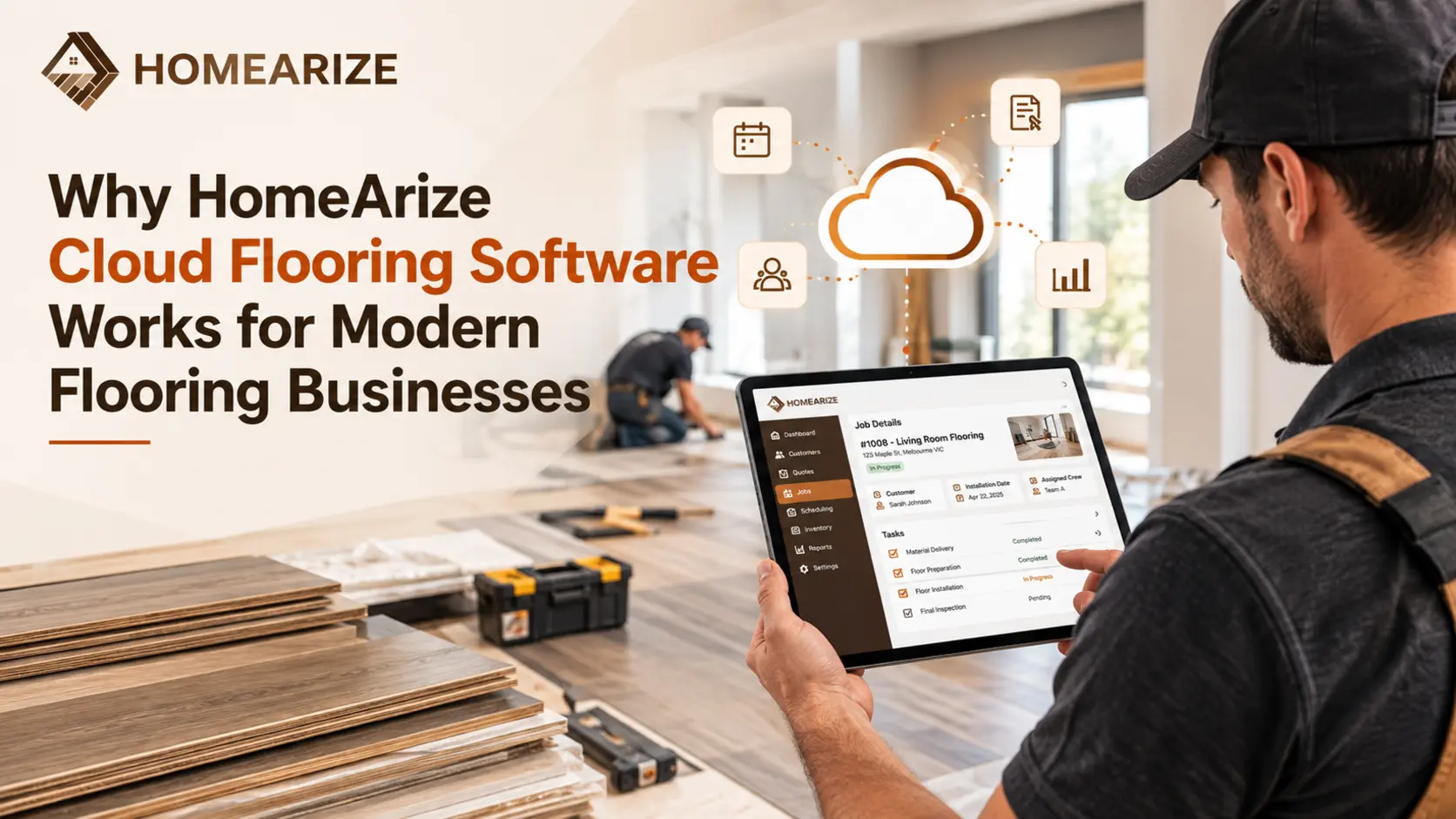
HomeArize runs in a browser, with no local installation required, so the same account works whether someone logs in from the office, the showroom, or a phone on a job site. Customer, quote, scheduling, and job information stay in one system that the whole team accesses the same way, rather than depending on files or programs tied to a specific computer.
For a broader look at how HomeArize fits different types of flooring businesses, see
Why Flooring Businesses Choose HomeArize Software.
Conclusion
Cloud flooring software matters less because of any single feature and more because of where and how a flooring business actually operates: across a showroom, a job site, and sometimes a home office, often on the same day. A system that works the same way from all of those places removes a dependency that desktop software was never built to handle.
Book a free demo to see how that access works in practice.
Highlights
- Cloud software runs through a browser or app rather than being installed on one machine, so it works from wherever there is an internet connection.
- The main value is not any single feature. It is that everyone works from the same live information instead of separate copies.
- Security and backup practices vary by provider. Ask directly rather than assuming every cloud platform handles them the same way.
FAQs
What does cloud-based flooring software mean?
It means the software runs on the provider's servers and is accessed through a browser or app, rather than being installed on one specific computer. Logging in from any device pulls up the same current data.
How is cloud flooring software different from desktop software?
Desktop software is tied to whichever computer it was installed on and requires manual updates on each machine. Cloud software is accessed the same way from any device with an internet connection, and updates happen on the provider's end.
Can cloud flooring software be used from a job site or showroom floor?
Yes, as long as the device has an internet connection. That is one of the more practical differences from desktop software, which only works from the specific computer it is installed on.
Is cloud flooring software secure?
Security depends on the specific provider's practices, including how data is encrypted, who has internal access, and how backups are handled. It is worth asking a provider directly about their specific measures rather than assuming all cloud platforms handle this the same way.
What should I ask a vendor about backups before choosing cloud software?
Ask how often data is backed up, where those backups are stored, and what the actual process looks like if something needs to be restored. Specific answers matter more than a general assurance that backups exist.
Does cloud flooring software work for multi-location flooring businesses?
Yes. Since every location logs into the same system rather than running a separate installation, schedules, customer records, and job data stay visible across locations without extra setup for each one.
Tags:
cloud flooring softwarecloud-based flooring softwarecloud flooring business softwareonline flooring softwareflooring software for contractorsflooring software for retailers